
FOUR CONTENT MODES
Choose your scope.
Keep your own voice.
Content mode controls the breadth of your stories and, in Legend, the style of your opinion script. It is an editorial choice, separate from monthly or annual billing.
By the ReelMachine AI team · Reviewed November 14, 2026
| Mode | Story coverage | Point of view |
|---|---|---|
| Pro | Your field and professional audience | Agree, Neutral or Disagree |
| Content Machine | Your field plus general news | Agree, Neutral or Disagree |
| Beast | Your field, general and political news | Agree, Neutral or Disagree |
| Legend | Broader and divisive stories, including politics | Agree or Disagree; longer opinion scripts, title box and framing guide |
Coverage reflects your selected mode and available sources. Political news is included when you choose Beast or Legend.
Pro: own your niche.
Choose Pro when you want your video subjects to stay close to your work. A specialist can explain an industry development, unpack a common misconception or discuss what a new story means for the people they serve.
For example, an architect could explain a design or planning story. The useful part is their interpretation: what changed, who it affects and what question to ask next. Pro keeps the subject focused without requiring every video to be a sales pitch.
Content Machine: join bigger conversations.
Content Machine adds general news to your field. It suits a personal brand whose audience wants to know how you think beyond your job title. Your work still provides context, while broader stories create room for a wider conversation.
A founder might discuss a technology announcement or a shift in consumer behavior. Start by asking why your followers would care. General news is a source of ideas, not a requirement to react to every headline.
Beast: include political news.
Beast expands coverage to include political stories alongside general news and your field. Choose it deliberately when those conversations fit your audience and you are prepared to explain your reasoning.
Including politics does not decide your beliefs. Read the original reporting, separate the reported facts from your interpretation, and edit the draft before recording. You retain your own position and publishing decision.
Legend: make the verdict the point.
Legend uses broader coverage, including political and divisive stories, with an opinion-first format. You choose Agree or Disagree. The native workflow adds longer opinion scripts, a title box and a framing guide to support the presentation.
Choose this mode when you have a position you can defend clearly. A strong opinion still needs accurate context and a useful explanation. The mode does not guarantee reach, controversy, or a particular audience response.
How to choose a mode
- Start with your audience. Decide whether they follow you mainly for specialist knowledge or your wider perspective.
- Choose your boundaries. Pro stays in your field. Content Machine broadens topics without adding political coverage. Beast and Legend include politics.
- Choose how you want to speak. Use the standard stance choices when a neutral explanation can be useful; choose Legend for an explicit verdict.
- Review the result. Keep only stories you can explain responsibly and in your own voice.
See the full daily workflow, explore the AI script writer, or compare organization billing.
See the modes in the product film.
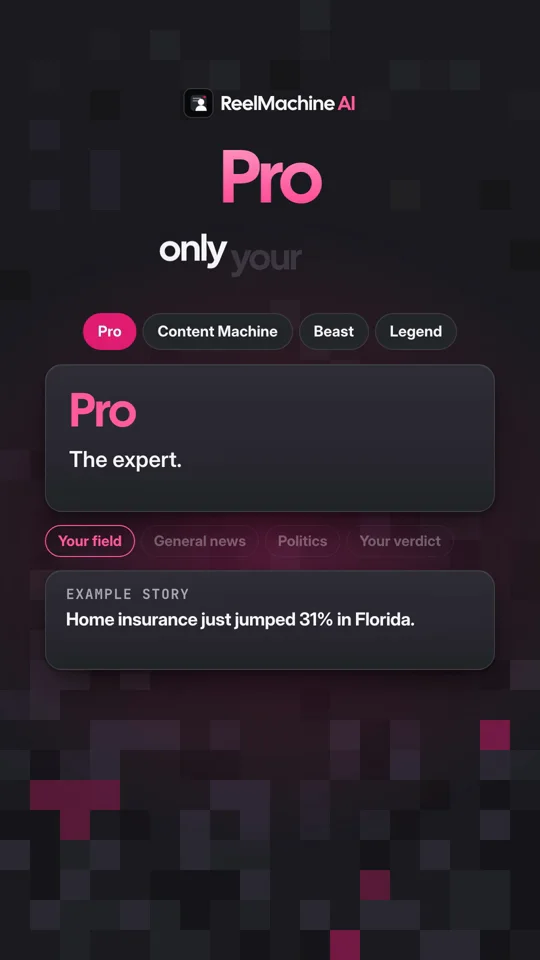
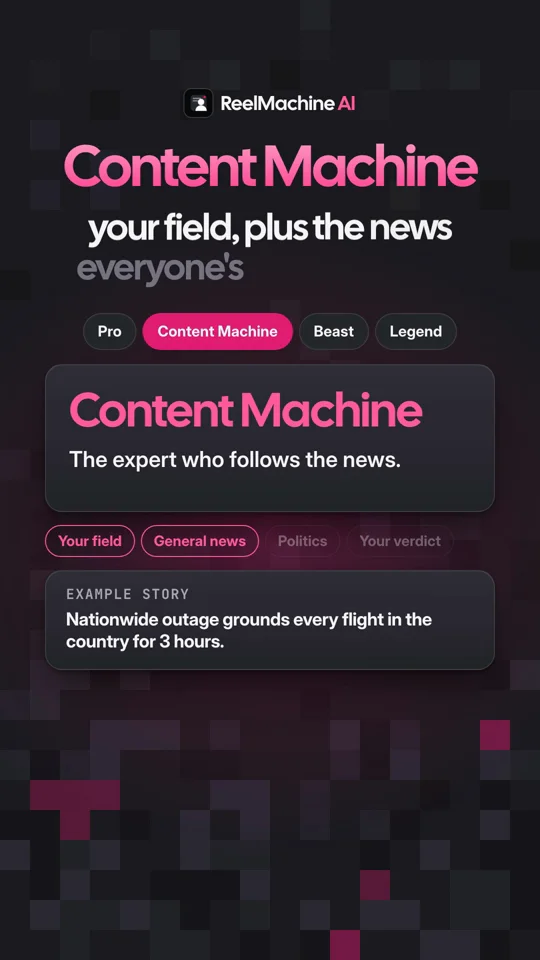
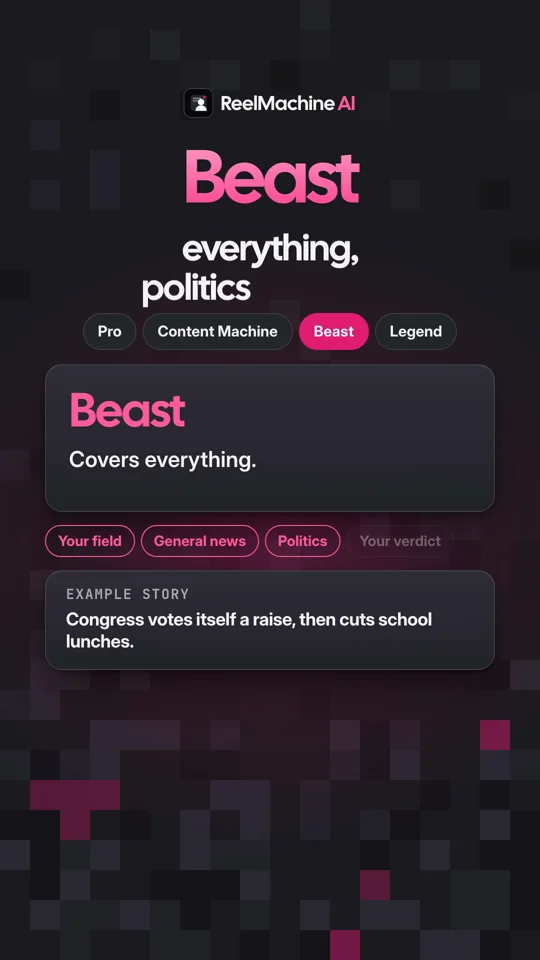
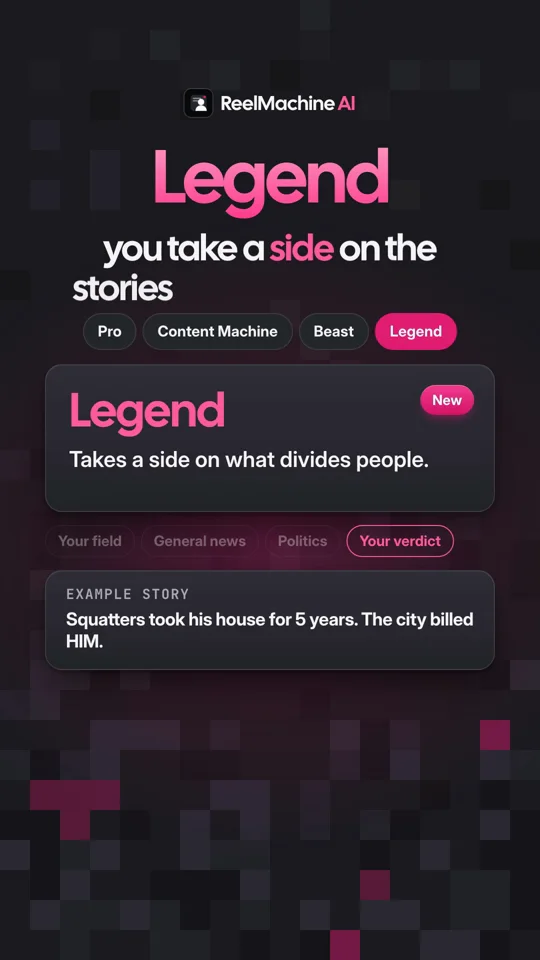
Product-film illustrations. Example headlines are not current reporting.